Webflow vs WordPress: which is right for your business?
We build on both platforms and have migrated clients in both directions. This comparison covers what actually differs day to day, including the total cost over three years, which is where the "WordPress is free" argument falls apart.
Quick answer: Webflow is better for marketing sites that need design control, speed and low maintenance: no plugins, no security patching, cleaner code. WordPress is better when you need a huge plugin ecosystem, complex membership features or the lowest possible hosting cost. For SaaS and B2B marketing sites in 2026, Webflow is now the default choice.
Webflow vs WordPress at a glance
| Webflow | WordPress | |
|---|---|---|
| Software cost | $25–$39/month (Premium plan, billed USD) | Free (open source) |
| Hosting | Included | £5–£30/month (£25+ managed) |
| Plugins needed | None (features built in) | 10–25 typical, several paid |
| Security patching | Handled by Webflow | Your responsibility |
| Maintenance time | Near zero | 2–5 hours/month or paid retainer |
| Design freedom | Full visual control | Theme-dependent, or custom dev |
| Best for | Marketing sites, SaaS, B2B | Content empires, membership, budget builds |
Pricing note for 2026: Webflow merged its old CMS and Business plans into a single Premium site plan in May 2026, at $25/month billed annually or $39/month monthly. Many comparison articles still list the old tiers; the numbers here reflect the current structure.
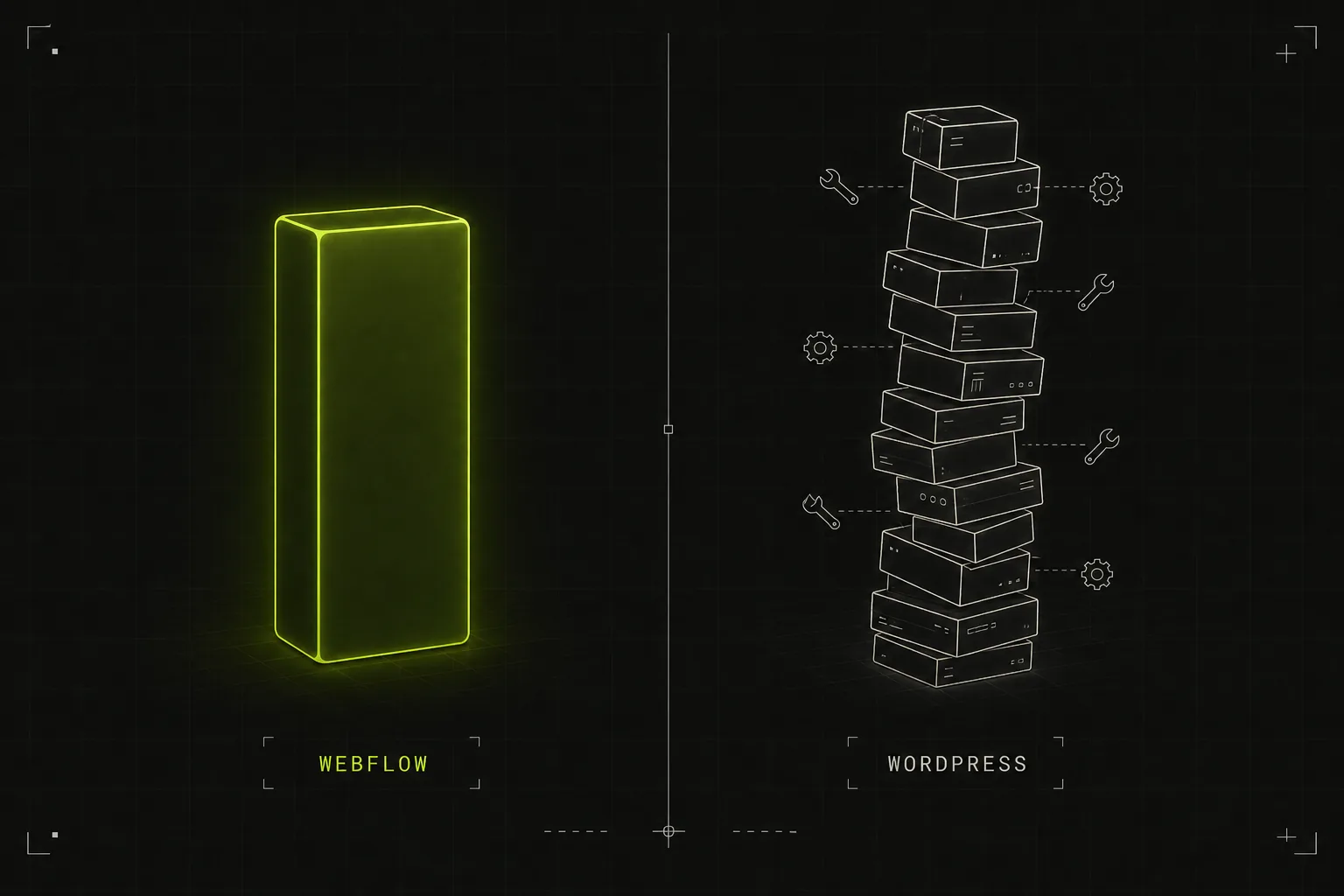
What's the real cost difference?
WordPress software is free. Running a WordPress business site is not. Here is an honest three-year total cost of ownership for a typical small business marketing site, excluding the initial design and build (which costs roughly the same on either platform):
| Cost over 3 years | Webflow | WordPress |
|---|---|---|
| Platform / site plan | ~£680 ($900 at Premium annual) | £0 |
| Hosting | Included | £540–£1,080 (decent managed hosting) |
| Premium plugins / themes | £0 | £300–£900 |
| Maintenance and updates | ~£0–£300 | £1,080–£3,600 (retainer) or your own hours |
| Realistic 3-year total | ~£720–£1,000 | ~£1,900–£5,500 |
A note on currency. Webflow bills in US dollars wherever you are, so its plan cost is shown in USD above. Hosting, plugins and maintenance are quoted in pounds because those are UK market rates, and they are the figures that move most between countries. If you are reading from outside the UK, treat the Webflow line as exact and the WordPress lines as directional: the ratio between the two columns holds, but your local hosting and retainer costs will differ.
The pattern: Webflow is a known, fixed cost. WordPress ranges from cheaper than Webflow (if you self-manage everything and your time is free) to several times more expensive (if you pay someone to keep it patched, backed up and fast, which most businesses eventually do).
Which is better for design?
Webflow, for most business sites. It is a visual development environment: designers build exactly what they want, with full control over layout, interactions and animation, and the output is clean production code. WordPress design quality depends entirely on the route: a premium theme gets a decent site that looks like other sites using that theme; a page builder gets flexibility at the cost of code bloat; fully custom WordPress development matches Webflow's ceiling but costs the most of any option. The practical difference: on Webflow, design changes after launch are quick and safe. On WordPress, they depend on how the site was built and often need a developer.
Which is better for SEO and performance?
Both platforms can rank; neither has a magic SEO advantage. The real difference is what you get by default. Webflow ships clean semantic code, global CDN hosting, automatic image optimisation and reliably strong Core Web Vitals, with SEO controls (meta fields, redirects, sitemaps) native. On WordPress everything is achievable, but performance depends on your theme, page builder, caching plugin and hosting; a well-optimised WordPress site is fast, and the average one, dragging a page builder and 20 plugins, is not.
Which is more secure and easier to maintain?
This is Webflow's strongest card, and it is not close. WordPress powers over 40% of the web, which makes it the most attacked CMS on earth, and most compromises come through outdated plugins and themes. Running WordPress responsibly means weekly updates, a backup regime, a security plugin, and ideally a staging site. That is the 2 to 5 hours a month (or the £30 to £100 monthly retainer) in the cost table above. Webflow is a closed, hosted platform: no plugins to patch, no PHP versions to manage, backups and SSL handled for you. If a client tells us they have no one to look after their website, that sentence alone rules out WordPress.
Which is better for SaaS companies?
Webflow, and in 2026 this is close to a settled question: the product is custom code, and the marketing site is Webflow. Marketing ships pages without engineering, iteration is weekly instead of sprint-gated, and the design ceiling matches what SaaS branding demands. Teams at companies like Dropbox, Discord, Upwork and Getty Images run marketing properties on Webflow. We cover this in depth in is Webflow good for SaaS and on our Webflow for SaaS service page.
When WordPress is still the right choice
An honest list, because it is still the right answer for plenty of projects:
- Membership and community sites. Gated content, user accounts, forums and course platforms have mature WordPress plugin ecosystems with no real Webflow equivalent.
- Large editorial operations. Thousands of posts, complex taxonomies and multi-author workflow belong on WordPress.
- Tight budgets with technical confidence. If £5/month shared hosting plus your own time is genuinely the constraint, WordPress wins on cash cost.
- Niche functionality. Sixty thousand plugins means someone has already built your unusual requirement.
- Full ownership and portability. WordPress is open source; you can move hosts and export everything. Webflow is proprietary; you can export static code, but the CMS and hosting stay theirs.
- Multilingual complexity. Mature WordPress translation plugins still beat Webflow's localisation for large multilingual sites.
Migrating from WordPress to Webflow
The most common direction we are asked about. It is a rebuild plus a content migration: the design is recreated (usually improved) in Webflow, posts and pages move via CSV export, and every URL gets a 301 redirect so rankings survive; that last step is the one that cannot be skipped. For a typical 15 to 40 page business site with a blog, expect £2,500 to £7,000 and 3 to 6 weeks. The recurring saving on hosting, plugins and maintenance typically repays that within 2 to 3 years, before counting any conversion improvement from the redesign. See our Webflow cost guide for full pricing.
Frequently asked questions
Is Webflow more expensive than WordPress?
The software fee is higher: Webflow bills in US dollars at $25 to $39 per month for its Premium plan, against WordPress's free licence plus roughly £5 to £30 a month for UK hosting. Total cost of ownership is usually lower on Webflow once you include the plugins, maintenance and update time WordPress needs. Over three years a typical business site runs £700 to £1,000 on Webflow against £1,900 to £5,500 for professionally maintained WordPress.
Is Webflow good for SEO?
Yes. Clean code, fast CDN hosting, strong Core Web Vitals by default, and native control over meta data, redirects and sitemaps. WordPress can match it with the right plugins, hosting and tuning; Webflow just requires less work to get there.
Can Webflow handle a blog?
Comfortably, for business blogging. The CMS supports 20,000 items on the current Premium plan with structured content types and a clean editor. Large multi-author editorial operations with complex workflow needs are still better served by WordPress.
Why do SaaS companies use Webflow?
Because marketing can ship pages without engineering time. The marketing site iterates weekly (pricing, landing pages, positioning) while developers stay on the product. Add strong default performance and a design ceiling that matches SaaS branding standards, and it has become the industry default for SaaS marketing sites.
How hard is it to migrate from WordPress to Webflow?
It is a rebuild plus a content migration, not a one-click export: typically 3 to 6 weeks and £2,500 to £7,000 for a standard business site. The critical step is 301-redirecting every URL so search rankings carry over. Most content migrates cleanly via CSV.