Webflow vs Framer: an honest comparison
We build on Webflow, so read this knowing that. We have also checked the current pricing pages and the real performance data rather than repeating what other comparisons say, and several of the usual talking points turn out to be wrong.
Quick answer: choose Framer for landing pages, campaign sites, portfolios and startup marketing sites you need live quickly. Choose Webflow for content-heavy business sites, anything needing native ecommerce, and anywhere you need per-page SEO control or room to grow. The dividing line is content volume and commerce, not quality. Both build genuinely fast, well-ranked sites in 2026.
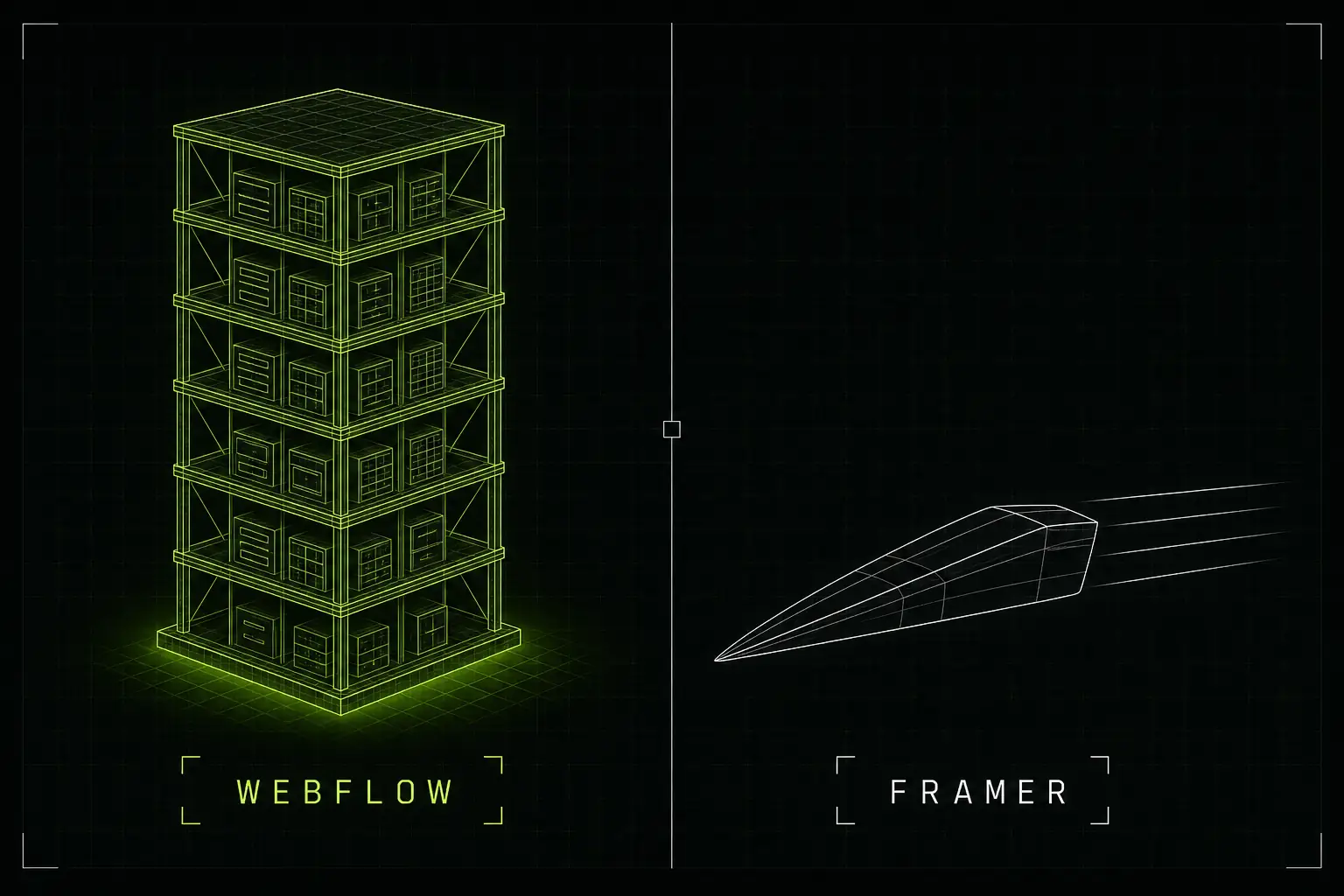
Webflow gives you depth and capacity. Framer gives you speed and simplicity. Both are legitimate choices.
Three things most comparisons get wrong
Before the detail, three corrections, because the Webflow vs Framer content online is unusually stale.
- Framer no longer has a Scale plan. The live pricing page lists Free, Basic, Pro and Enterprise, with Scale's headroom folded into Pro as paid add-ons. Framer's own help documentation still refers to Scale, and nearly every comparison article still lists it at $100 a month.
- Framer is not slower than Webflow any more. That reputation accurately described 2023. Framer overtook Webflow on aggregate Core Web Vitals in the January 2026 dataset and now ships less JavaScript at the median, not more.
- Webflow's animation is not the weak point it used to be. Webflow acquired GSAP in October 2024 and shipped GSAP-powered Interactions in July 2025. Comparisons written before that badly understate what Webflow can do.
Webflow vs Framer at a glance
| Webflow | Framer | |
|---|---|---|
| Built for | Content-heavy business and ecommerce sites | Landing pages, campaign sites, portfolios |
| Entry paid plan | $15/month billed yearly | $10/month billed yearly |
| CMS plan | Premium, $25/month billed yearly | Pro, $30/month billed yearly |
| CMS items included | 20,000 on Premium | 2,500 on Pro |
| Native ecommerce | Yes | No, third-party only |
| Learning curve | Steeper. You learn the CSS box model. | Gentle if you know Figma. |
| Code export | Yes, on paid plans | No |
| Localisation | Yes | Yes, 238 languages, arguably stronger |
| AI features | Present, more governance-focused | Clearly ahead on in-canvas AI building |
Framer prices in US dollars with no native GBP pricing, and the figures above are the yearly-billed rates its pricing page shows by default. Monthly billing costs more on both platforms.
The CMS gap is the real cost story
Headline prices make these platforms look comparable. They are not, once you have content. Webflow bundles CMS capacity into the plan. Framer meters it, charging separately for collections, items, pages and bandwidth.
| Webflow Premium ($25/mo) | Framer Pro ($30/mo) | |
|---|---|---|
| CMS items included | 20,000 | 2,500 |
| CMS collections included | 40 | 10 |
| Pages included | 500 static | 150 |
| Cost to add more items | Not needed | $20 per 10,000 |
| Cost to add more collections | Not needed | $40 per 10 |
Work that through. To reach roughly 20,000 CMS items and 40 collections on Framer Pro, you add two item packs at $20 and three collection packs at $40, taking you from $30 to about $190 a month for what Webflow Premium includes at $25. That is a difference of roughly seven and a half times, and it is the single most important number in this comparison if you run a blog, a resource library, a jobs board or any programmatic SEO.
If your site is a handful of pages and a short blog, none of this matters and Framer is genuinely cheaper. The gap only opens as content grows.
Performance: the reputation is out of date
Framer spent years with a reputation for slow, JavaScript-heavy sites. That was fair in 2023 and is not fair now. Two engineering changes in late 2025 closed the gap: Framer moved to the Rolldown bundler in November 2025, cutting median JavaScript by 36%, and started embedding CMS data into the HTML at build time rather than fetching it after load.
Here is the June 2026 HTTP Archive data, which measures real Chrome users rather than lab tests:
| Origins passing Core Web Vitals | Webflow | Framer |
|---|---|---|
| Overall, mobile | 68.1% | 68.4% |
| Overall, desktop | 81.0% | 87.2% |
| LCP, mobile | 74.4% | 80.5% |
| INP, mobile | 89.0% | 79.0% |
| Median JavaScript, mobile | 925 KB | 794 KB |
| Overall, mobile, top 1M sites | 48.7% | 42.5% |
Two honest readings of that table. Framer wins the headline numbers, and the widely repeated claim that it ships more JavaScript than Webflow is simply false at the median. But Framer's aggregate is carried by a long tail of small, low-traffic sites: among the top one million sites, Webflow is ahead. Framer also trails meaningfully on INP, the responsiveness metric, where it sits below the all-web average.
For a typical business site, treat performance as a tie and decide on other grounds.
SEO controls compared
Framer server-renders pages at publish time, so crawlers get complete HTML. You can verify that yourself in seconds by viewing source on any Framer site. Its median Lighthouse SEO score is 100 against Webflow's 96. The concern with Framer is not whether Google can read it, it is how much control you have.
| Control | Webflow | Framer |
|---|---|---|
| Per-page meta title and description | Yes | Yes |
| Per-page canonical tag | Yes | No, site-wide only |
| Editable sitemap | Yes | No, auto-generated only |
| robots.txt | Yes | Pro plan and above only |
| 301 redirects | Yes | Pro plan and above only |
| JSON-LD schema | Custom code | Custom code |
The two that matter most in practice are redirects and canonicals. If you are migrating a site with existing rankings, redirects are non-negotiable, and on Framer that means Pro at minimum. Missing per-page canonicals becomes a problem on larger sites where duplicate or near-duplicate URLs appear.
Where Framer genuinely wins
- Speed from blank canvas to live page. If you know Figma, Framer's canvas model transfers directly. Webflow asks you to learn the CSS box model and a class-based style system first.
- AI-assisted building. Framer 3.0 shipped canvas agents that generate pages, handle breakpoints, write code components and manage CMS content. Framer Pro includes 3,000 AI credits a month. This is not close right now.
- Novel motion effects. Framer's interactive shaders have no Webflow equivalent.
- Localisation. 238 languages, subdirectory URLs, and it localises page paths, CMS slugs and image alt text, not just body content.
- Templates. Roughly 8,200 marketplace templates against Webflow's 1,200, though Framer removed manual template review in June 2026, so quality varies more.
Where Webflow genuinely wins
- CMS capacity, by a wide margin, as shown above.
- Native ecommerce. Framer has no products, cart, checkout or payments. For a shop this decides it on its own.
- Precision animation. GSAP-powered interactions handle complex sequencing, scroll scrubbing and site-wide reusable interactions.
- SEO control, particularly canonicals, sitemap control and redirects on entry plans.
- Code export. Framer does not permit export or self-hosting at all.
- Memberships and gated content. Framer offers shared password protection and nothing more.
- Enterprise depth. Framer's large-company use is real but usually page-scoped, a campaign subdomain or a single landing path rather than a whole site.
Who actually uses each
The usage data is consistent across sources. Webflow leads by roughly four to five times on traffic-weighted measures, and the gap widens the more you weight by site importance. Framer, though, is adding more new sites per month than Webflow right now, and roughly 83% of Framer sites belong to companies of one to ten people. Framer skews to startups, portfolios and campaign pages; Webflow to whole-domain corporate sites, content operations and ecommerce.
That split matches the tools. Neither platform is winning or losing, they are being chosen for different jobs.
So which should you choose?
For most UK businesses coming to us for a marketing site with a blog, case studies and room to grow, Webflow is the right answer, mainly on CMS capacity and SEO control. For a founder who needs a sharp landing page live this week, or a designer building a portfolio, Framer is genuinely the faster, cheaper and perfectly good choice, and we would say so.
The mistake to avoid is picking Framer for its entry price and discovering the CMS ceiling six months later, or picking Webflow for a five-page site and paying in learning time you did not need to spend.
For costs on a real project, see our UK Webflow cost guide, or the deeper Webflow vs WordPress comparison if WordPress is also in the running. If you are building a SaaS marketing site specifically, read is Webflow good for SaaS. If neither is obviously right, start further back with which website platform you should use, or browse every guide.
Frequently asked questions
Is Framer cheaper than Webflow?
At entry level yes, at scale no. Framer Basic is $10 a month billed yearly against Webflow Basic at $15, but Framer Basic includes only 1,000 CMS items and 2 collections. Matching what Webflow's $25 Premium plan includes as standard costs roughly $190 a month on Framer once you buy the CMS add-ons, because Framer charges separately for collections, items, pages and bandwidth.
Is Framer bad for SEO?
No, and that reputation is out of date. Framer server-renders pages at publish time, so crawlers receive full HTML, and its median Lighthouse SEO score is 100 against Webflow's 96. The real limitations are structural rather than technical: no per-page canonical tags, an auto-generated sitemap you cannot edit, and redirects and robots.txt available only on the Pro plan and above.
Which is faster, Webflow or Framer?
By June 2026 HTTP Archive data they are close, with Framer slightly ahead overall: 68.4% of Framer origins pass Core Web Vitals on mobile against 68.1% for Webflow, and 87.2% against 81.0% on desktop. On higher-traffic sites the result reverses, with Webflow ahead among the top one million sites. Framer's one genuine weakness is INP responsiveness.
Does Framer support ecommerce?
Not natively. Framer has no built-in products, cart, checkout, inventory or payments, and its integrations list contains no payment providers. Selling on Framer means connecting an external platform such as Shopify or Stripe through a third-party plugin. Webflow has native ecommerce built in, so for a shop this is usually the deciding factor.
Can I export my site from Framer?
No. Framer does not allow code export or self-hosting, because its pre-rendering, image resizing and font subsetting are tied to its own infrastructure. Webflow does allow static code export on paid plans. If owning and moving your code matters to you, that is a real difference worth weighing.
Which should I choose for a business website?
Choose Webflow if you need a content-heavy site, native ecommerce, per-page SEO control or room to grow, which covers most business websites. Choose Framer if you are shipping landing pages, campaign sites, portfolios or a startup marketing site quickly, and your content volume is modest.