Automate the busywork behind your online store.
Order sync, stock alerts, support triage, and reporting, built on Make.com or n8n and wired directly into Shopify and the rest of your stack.
Growth exposes every manual process at once
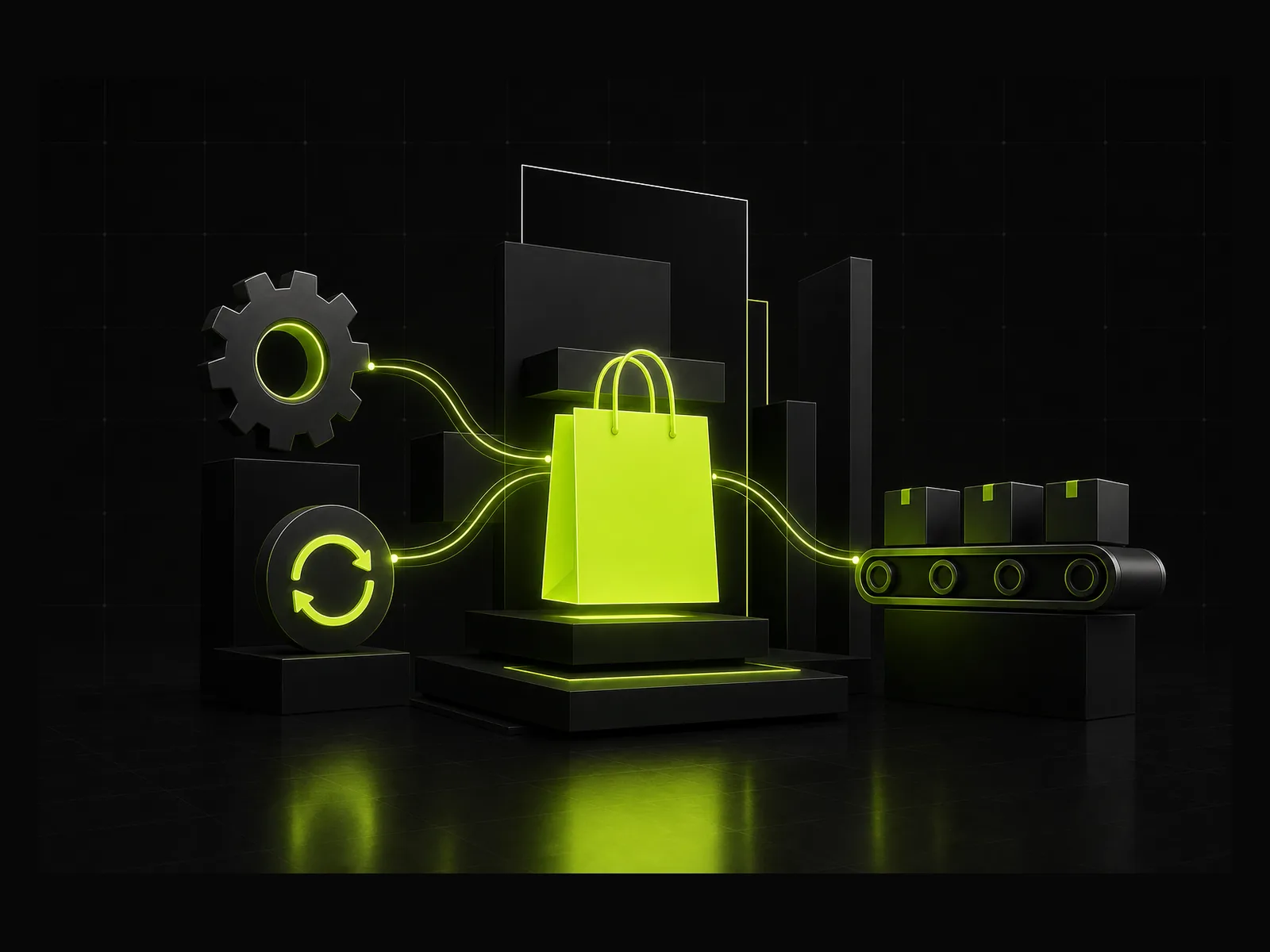
A store running on spreadsheets and manual updates can just about cope at low volume. The moment order numbers climb, those same processes start costing hours every week: stock counts drifting out of sync across channels, support replying to the same three questions all day, orders re-keyed into a fulfillment tool by hand.
None of that work needs a person doing it. It needs a rule and a trigger. We build those rules in Make.com or n8n, connected directly to Shopify and whatever else runs your operation, so the data moves on its own and your team only sees the exceptions that actually need a decision.
Every project starts with a workflow audit, not a template. For budget context, our automation cost guide has real UK numbers, and the Shopify cost guide covers platform and build costs separately. If you want to know what to automate before you talk to anyone, our ecommerce automation guide ranks the eight processes by payback and is straight about which ones Shopify already does for free.
The workflows that eat an operations team's week
Order & fulfillment sync
Orders flow from Shopify into your fulfillment tool, 3PL, or spreadsheet automatically, with no re-keying and no missed orders.
Inventory & stock alerts
Low-stock and out-of-sync inventory triggers alerts or reorders before they turn into a stockout or an overselling problem.
Customer service triage
Incoming support requests get categorised and routed automatically, with AI drafting first responses for common questions.
Returns & refunds workflows
Return requests, approvals, and refund processing follow a consistent path instead of living in someone's inbox.
Review & feedback loops
Post-delivery review requests and feedback collection run on a schedule, without anyone remembering to send them.
Reporting & reconciliation
Sales, stock, and channel data get pulled into a dashboard or sheet automatically, so reporting isn't a monthly scramble.
From audit to hands-off operation
Map
A workflow audit of your store's actual operations. Where hours are lost and which automations pay back first.
Design
Scenario design in Make.com or n8n, wired into Shopify and the rest of your stack, with AI where it genuinely helps.
Deploy
Built, tested, and documented in plain English. Every scenario has error monitoring and a paper trail.
Monitor
30 days of monitoring and support after deployment, so it keeps running once we step away.
Ecommerce automation questions, answered straight
Which ecommerce platforms do you work with?+
Shopify is our main focus, connected via webhooks and the Shopify API. We also build on WooCommerce and other platforms where they expose the data we need. The audit tells us what's possible with your specific setup.
Will this replace our operations or support team?+
No. It removes the repetitive parts of their job, things like manual data entry, copy-pasting between tools and chasing order updates, so they can spend time on the things that actually need a person: judgement calls, relationships, and problems automation can't solve.
How long does an ecommerce automation project take?+
Most single-workflow builds (an order sync, a low-stock alert pipeline) take 1 to 2 weeks. Larger projects covering several workflows across your stack typically run 3 to 6 weeks. You get a scope and timeline after the audit, before any build work starts.
Do you integrate with our CRM or helpdesk?+
Yes. Whatever you're running, whether Gorgias, Zendesk, HubSpot, a CRM, Airtable or Google Sheets, we connect it to Shopify and each other through Make.com or n8n so data moves automatically instead of being re-entered by hand.
What does it cost?+
It depends on how many workflows you need and how complex your stack is. A single automation is a fixed one-off cost; ongoing management is a small monthly retainer. You'll get a fixed quote after the workflow audit, not an hourly estimate.